Decoradtech Home Devices from DecoratorAdvice: A Smart Home Guide
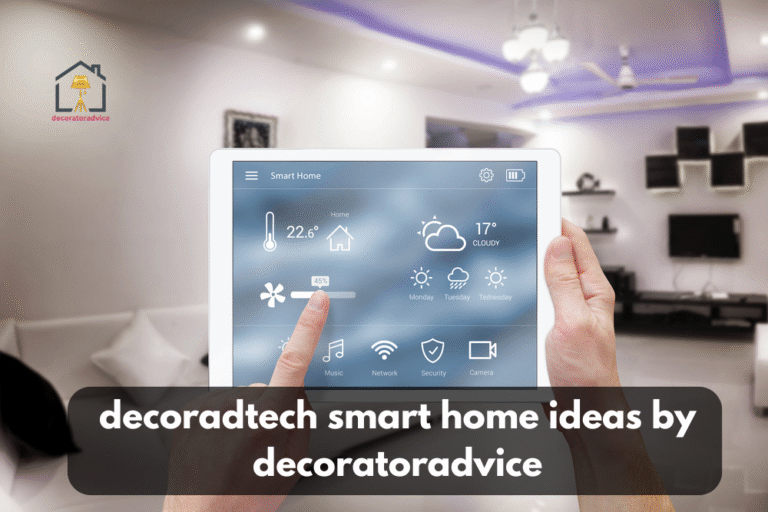
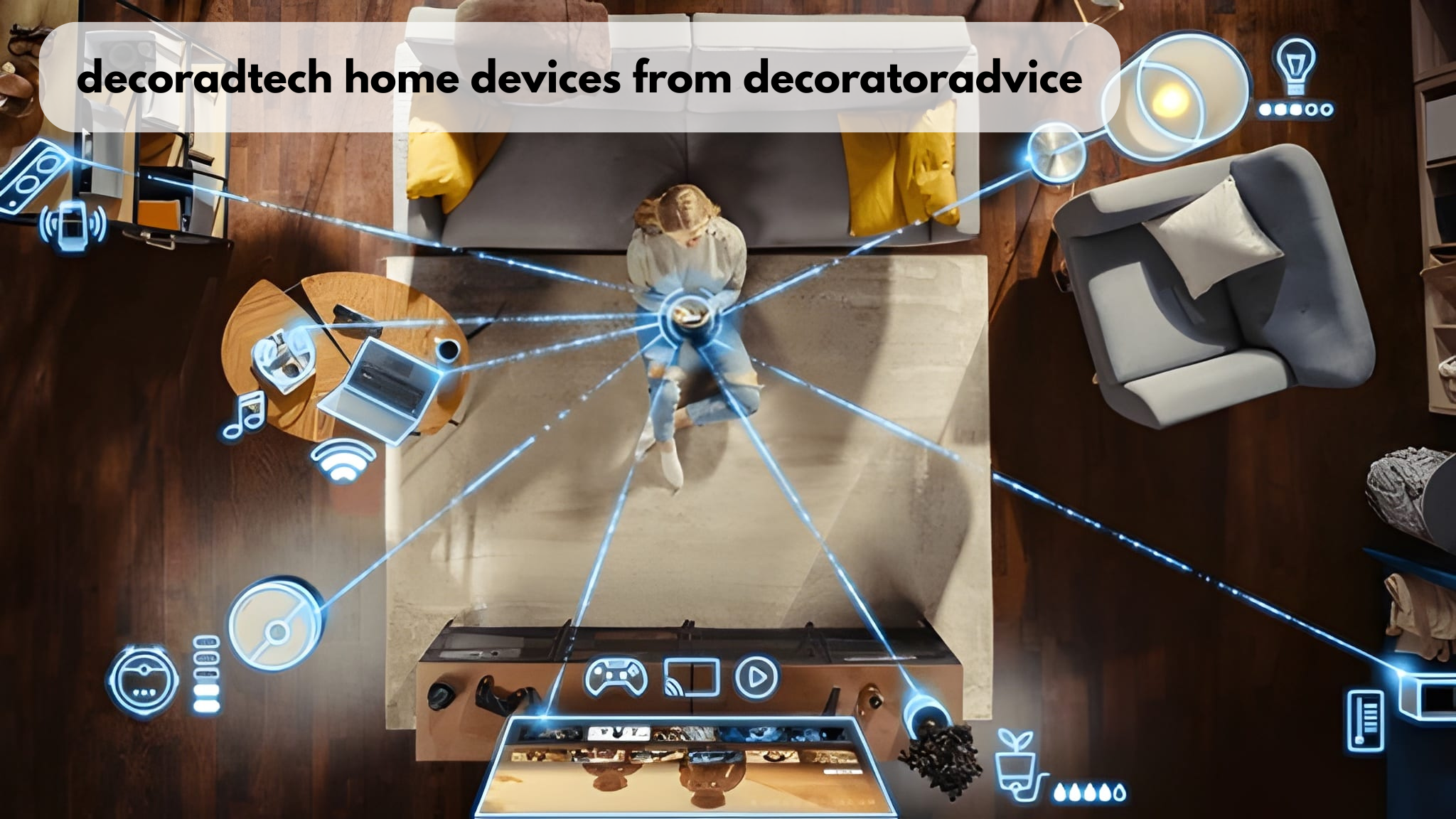
Decoradtech Home Devices from DecoratorAdvice are connected products chosen to blend into a room’s style, such as smart lighting, slim thermostats, hidden speakers, and video doorbells. Start with lighting and a thermostat, stick to one control platform, and hide hubs and cables so the technology supports the design.
Key Takeaways
- Decor-focused tech means choosing connected devices for how they look in a room as well as for what they do.
- Smart lighting and a smart thermostat pay back fastest because they control the two energy loads people use every day.
- Choosing one control platform before buying stops you from ending up with devices that can’t work together.
- Products with the Matter logo work across the major platforms, so you can switch platforms later.
- Most plug-in devices suit renters, while hardwired switches and thermostats need a wiring check before you buy.
What Is Decoradtech?
Decoradtech blends “decor” and “technology” and describes smart devices that are selected, placed, and styled to match a room’s design instead of standing out as gadgets.
DecoratorAdvice uses the term for products that do two jobs at once: they automate a task and suit the space. A brass-finish smart lock on a traditional door qualifies. A glossy black hub in the middle of a white bookshelf does not.
Which Decoradtech Home Devices from DecoratorAdvice Should You Buy First?
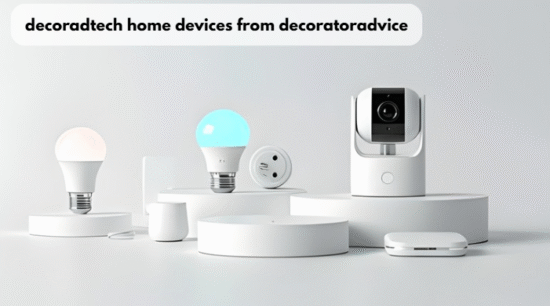
Buy smart lighting and a smart thermostat first, then add a video doorbell or smart lock if security is your goal. These categories fix daily problems and are easy to style or hide.
About 45% of U.S. internet households own at least one smart device, according to Parks Associates research reported in 2025. If you’re in that group, check what your current speaker or app supports before you shop, so each new device joins the system you already have.
The table below compares the main device types by how well each fits into a room. Its ownership figures come from different survey years, so read them as a rough ranking rather than one snapshot.
| Device | Decor-friendly pick | Best spot | U.S. internet households that own one | Source |
| Smart TV | Art-mode TV that displays artwork when off | Living room | 66% (2024) | Parks Associates, CES 2024 research |
| Video doorbell | Slim model in a finish that matches door hardware | Entry | 20% (2024) | Parks Associates, CES 2024 research |
| Smart thermostat | Round or flush-mount unit in a neutral color | Hallway wall | 17% (2024) | Parks Associates, CES 2024 research |
| Smart door lock | Keypad lock that matches the existing handle | Front door | About 11% (Q2 2025) | Parks Associates, residential access control research |
Product picks are only as useful as the people who make them. Check the About Us page on decoratoradvice.com to see who is behind the recommendations, and scan the latest posts for updated device lists, since product lines change every year.
Is a Decoradtech Home Upgrade Worth It in 2026?
Yes, for most owners, because higher electricity prices make every kilowatt-hour you save worth more than it was a few years ago. How much you gain depends on your local rate and how many hours your lights and HVAC system run.
Data from the U.S. Energy Information Administration put the average U.S. residential electricity price at about 18.8 cents per kilowatt-hour in April 2026. At that rate, cutting 100 kWh a month saves roughly $226 a year. Devices that trim steady, everyday loads therefore pay back faster than novelty gadgets.
A smart home upgrade should start with the bill, not the shopping cart. Find the rate printed on your latest utility statement and use it in the math below, because state rates range from well under to nearly double the national figure.
How Much Can Decoradtech Devices Cut Your Energy Bill?
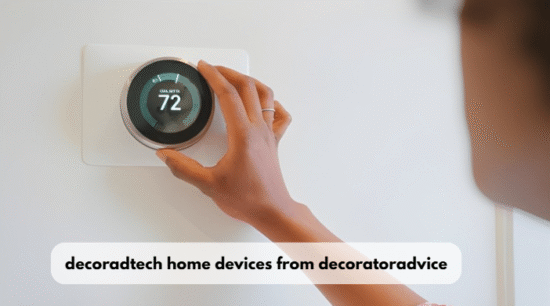
A lighting-and-thermostat setup saves about $140 a year when it replaces incandescent bulbs and a manual thermostat. Savings shrink if you already use LEDs or a programmable thermostat.
Smart Lighting Savings
Swapping 10 incandescent bulbs for smart LEDs saves about $93 a year at 2026 prices. The U.S. Department of Energy reports that residential LEDs use at least 75% less energy than incandescent bulbs and last up to 25 times longer.
Here is the math for 10 bulbs that each run 3 hours a day. A 60-watt bulb drops to about 15 watts, which saves 45 watts per bulb and 450 watts across all 10. That works out to 1.35 kWh a day, or about 493 kWh a year, which is worth roughly $93 at 18.8 cents per kWh.
Smart Thermostat Savings
A certified smart thermostat is one of the quickest smart home wins, cutting heating and cooling energy by about one-twelfth for the average user. ENERGY STAR estimates that the average person using a certified smart thermostat saves more than 8% of heating and cooling energy, or about $50 a year.
That dollar figure dates to the 2016 specification, when power cost less, so treat it as a floor rather than a 2026 estimate. Added to the lighting swap, the total comes to about $143 a year. If bulbs and a thermostat cost you 300 dollars in total, you break even in about 2.1 years (300 divided by 143).
How Do You Add Smart Devices Without Cluttering a Room?
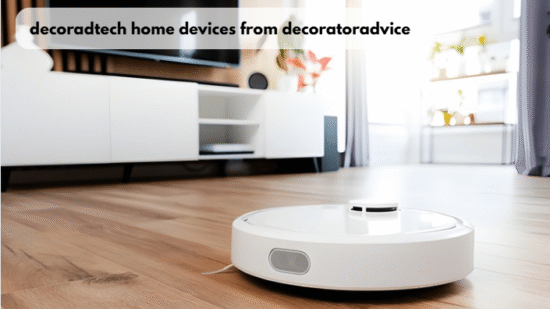
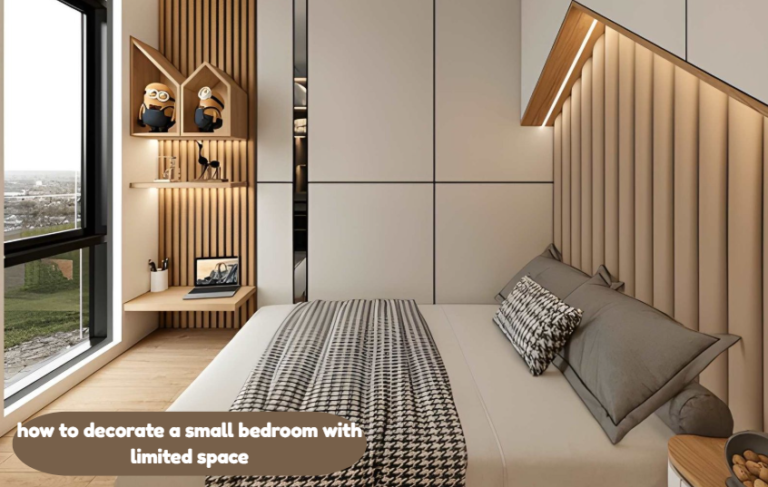
Plan where each device goes before you buy, hide every hub and cable, and pick finishes that match your existing hardware. Guests should notice the design first and the devices second.
These decoration tips keep technology from taking over a space:
- Pick one control platform. Choose Apple Home, Google Home, or Amazon Alexa, then buy only devices that support it or carry the Matter logo.
- Map outlets and switches. Sketch the room and mark where power already exists, so devices go where they can plug in without long cords.
- Match finishes. Choose matte black, brushed nickel, or brass to match your door handles, faucets, and switch plates.
- Hide the hub. Put routers and bridges inside a ventilated cabinet, never in a closed metal box that blocks the signal.
- Route cables out of sight. Use paintable cord covers along baseboards, or run cables behind furniture.
- Build scenes, not single commands. Set one “Evening” button that dims lights and adjusts the thermostat, so you don’t need extra remotes or switches on the wall.
If walls are open during a remodel, the most useful renovation tips are simple: run Ethernet to the TV and office, and confirm that every switch box has a neutral wire for future smart switches.
What Is the Most Common Decoradtech Mistake?
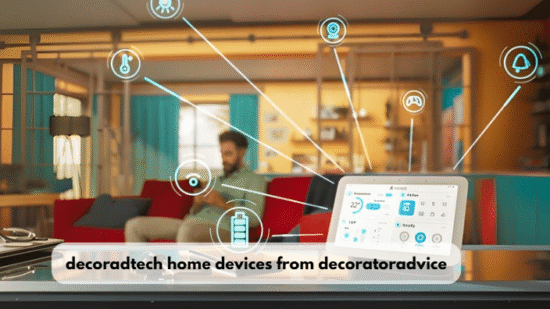
The most common mistake is counting on savings you will never get, such as buying smart bulbs to cut energy use when your home already runs on LEDs. It happens because product pages compare their bulbs against incandescents, not against what you already own.
The fix is to learn about what you already own before you buy. If your bulbs are already LEDs, going smart only saves energy through schedules and automatic shutoff. In that case, smart switches in your three most-used rooms give the same control for less money than replacing every bulb.
The usual thermostat advice does not apply to homes heated by electric baseboard heaters. Those systems use high-voltage (line-voltage) thermostats, while most popular smart thermostats are built for 24-volt HVAC systems, and wiring one to a baseboard circuit can destroy the unit. Buy a smart thermostat labeled for line-voltage heaters, or have an electrician install it.
Frequently Asked Questions
Do decor-friendly smart devices work for renters?
Yes, most plug-in devices such as smart bulbs, smart plugs, and battery-powered video doorbells work without changing any wiring. Save hardwired switches and thermostats for property you own, or get your landlord’s written approval first.
Do I need a hub for connected devices?
Most current devices connect over Wi-Fi or Thread without a separate hub. Some lighting systems still need a small bridge, so check the box before you buy if you want fewer visible gadgets.
What is Matter, and why should buyers care?
Matter is a shared standard that lets one device work with the Apple, Google, Amazon, and Samsung control apps. Buying Matter devices means you can change platforms later without replacing the hardware on your walls.
Are smart bulbs worth it if I already have LEDs?
Usually not for energy savings alone, because standard LEDs already deliver most of the efficiency gain. Smart switches in your busiest rooms add scheduling and automatic shutoff at a lower total cost.
How can I tell if a design guide is current?
Check the update date and confirm that the cost math uses this year’s electricity rates. Device lines and platform support change yearly, so guides older than 12 months often recommend discontinued products.
Conclusion
Decoradtech Home Devices from DecoratorAdvice work best when each product earns its place twice: once for how it looks and once for what it saves. Start with lighting and a thermostat, run the numbers with your own utility rate, and add security devices only after one platform controls everything.